
If you sell a product or provide a service, you must ask for payment. The best way to do this is by sending an invoice.
An invoice is a simple document. It tells your customer what they bought and how much they need to pay.
Many people think creating invoices is hard. But it is actually very easy.
In this guide, you will learn how to create invoices step by step. The process is simple and anyone can do it.
This guide is perfect for:
-
Freelancers
-
Small business owners
-
Online sellers
-
Service providers
-
Beginners who are new to business
By the end of this article, you will know how to create invoices quickly and professionally.
What Is an Invoice?
An invoice is a document that asks a customer to pay for a product or service.
It includes important information like:
-
Seller name
-
Customer name
-
Description of product or service
-
Total amount
-
Payment due date
Invoices help businesses keep track of money.
They also help customers understand what they are paying for.
Why Invoices Are Important
Before learning how to create invoices, it is important to know why they matter.
1. Professional Image
Invoices make your business look professional.
Customers trust businesses that send clear invoices.
2. Record of Payment
Invoices keep a record of all sales.
This helps with accounting and taxes.
3. Faster Payments
Clear invoices help customers pay faster.
If information is missing, payment may be delayed.
4. Legal Protection
Invoices can work as proof of a business transaction.
This can help if there is a payment dispute.
Information Every Invoice Must Have
Before you start creating invoices, you need to know what information to include.
A good invoice should contain:
1. Business Name and Contact
Include:
-
Your business name
-
Address
-
Email
-
Phone number
2. Invoice Number
Each invoice should have a unique number.
Example:
-
Invoice #001
-
Invoice #002
This helps you track payments.
3. Customer Information
Include the customer’s:
-
Name
-
Address
-
Email
4. Invoice Date
This shows when the invoice was created.
5. Payment Due Date
Tell the customer when payment must be made.
Example:
-
Due in 7 days
-
Due in 15 days
-
Due in 30 days
6. Description of Products or Services
Clearly explain what the customer bought.
Example:
-
Website design
-
Logo design
-
Digital marketing service
7. Price and Total Amount
Show:
-
Price per item
-
Quantity
-
Total cost
8. Payment Method
Tell customers how they can pay.
Examples:
-
Bank transfer
-
PayPal
-
Credit card
-
Cash
Step-by-Step Guide: How to Create Invoices
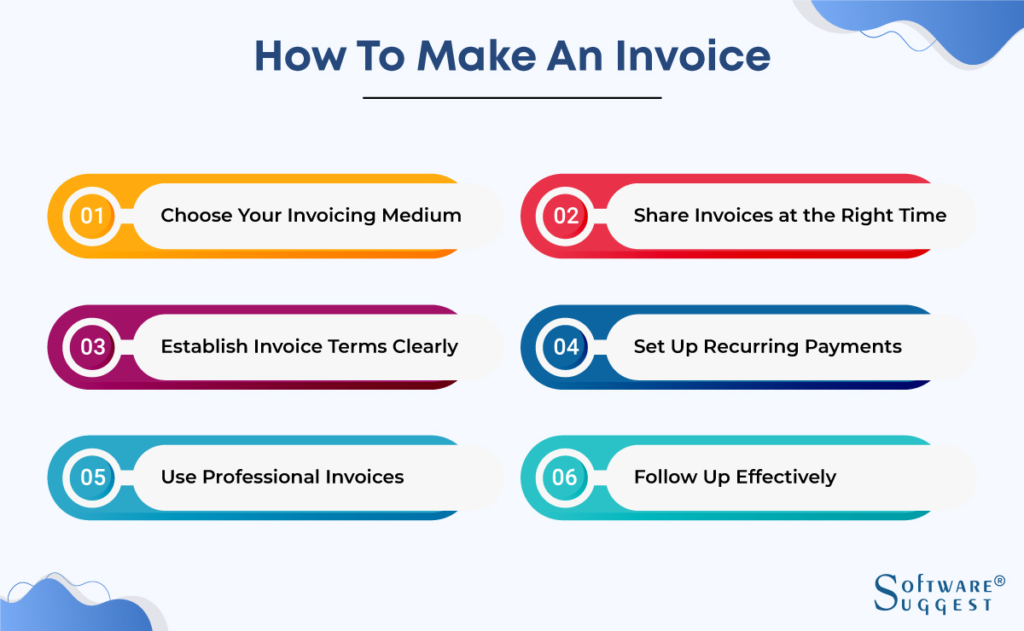
Now let’s learn how to create invoices step by step.
Step 1: Choose an Invoice Format
First, decide how you want to create the invoice.
Common options include:
-
Microsoft Word
-
Excel
-
Google Docs
-
Google Sheets
-
Online invoice generators
-
Accounting software
For beginners, Google Docs or Excel is very easy.
Step 2: Add Your Business Information
At the top of the invoice, write your business details.
Example:
Business Name
Street Address
City, Country
Email
Phone Number
This helps customers know who sent the invoice.
Step 3: Add Customer Information
Below your information, add the customer’s details.
Example:
Bill To:
Customer Name
Company Name
Address
Email
Make sure the information is correct.
Step 4: Add Invoice Details
Now add:
-
Invoice number
-
Invoice date
-
Due date
Example:
Invoice Number: 001
Invoice Date: March 15, 2026
Due Date: March 30, 2026
This helps both you and the customer track the payment.
Step 5: List Products or Services
Create a table with columns like:
| Item | Description | Quantity | Price | Total |
Example:
Website Design | Full website design | 1 | $500 | $500
Add each product or service in a new row.
Step 6: Add the Total Amount
After listing items, calculate the total.
Example:
Subtotal: $500
Tax: $50
Total: $550
Make sure the math is correct.
Step 7: Add Payment Instructions
Tell the customer how to pay.
Example:
Payment Methods:
-
Bank Transfer
-
PayPal
-
Credit Card
Also include any payment details needed.
Step 8: Add Notes or Thank You Message
A short message makes your invoice friendly.
Example:
Thank you for your business!
Or
Payment is kindly requested within 15 days.
Step 9: Review the Invoice
Before sending, check:
-
Spelling
-
Numbers
-
Customer name
-
Payment details
Mistakes can delay payment.
Step 10: Send the Invoice
You can send invoices in several ways:
-
Email (PDF format)
-
Accounting software
-
Online invoice system
PDF invoices are the most professional.
Example of a Simple Invoice
Here is a simple example structure:
Invoice #001
Date: March 15, 2026
Due Date: March 30, 2026
Bill To:
John Smith
ABC Company
Service: Logo Design
Price: $200
Total Amount: $200
Payment Method: PayPal
Thank you for your business!
Helpful Tips for Creating Better Invoices
Here are some useful tips to improve your invoices.
1. Use Clear Language
Do not use confusing words.
Keep everything simple.
2. Send Invoices Quickly
Send the invoice right after completing the work.
This helps you get paid faster.
3. Use Invoice Numbers
Never send invoices without numbers.
They help with tracking.
4. Set Clear Payment Terms
Tell customers when they must pay.
Example:
-
Net 7
-
Net 15
-
Net 30
5. Save Copies of All Invoices
Always keep a copy of every invoice.
This helps with bookkeeping and taxes.
Best Tools to Create Invoices
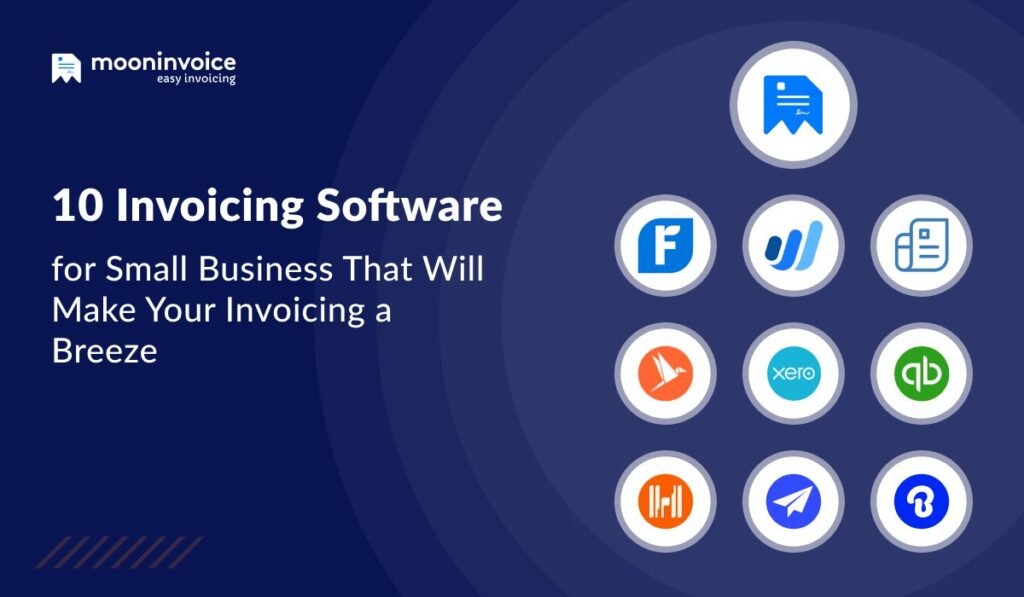
Many tools make invoice creation very easy.
Here are some popular options:
1. Excel
Good for simple invoices.
2. Google Sheets
Free and easy to use.
3. Canva
Great for beautiful invoice designs.
4. Invoice Generator Websites
These websites create invoices quickly.
5. Accounting Software
Examples include:
-
FreshBooks
These tools automate the process.
Common Mistakes When Creating Invoices
Many beginners make mistakes when learning how to create invoices.
Here are the most common ones.
1. Missing Payment Terms
Customers need to know when to pay.
Always include a due date.
2. No Invoice Number
Without invoice numbers, tracking becomes difficult.
3. Incorrect Pricing
Double-check all numbers before sending.
4. Missing Contact Information
Customers must know how to contact you.
5. Sending Unprofessional Invoices
Messy invoices reduce trust.
Always keep them clean and clear.
How Often Should You Send Invoices?
This depends on your business.
Common options include:
After Each Project
Freelancers usually send invoices after completing work.
Weekly
Good for ongoing services.
Monthly
Common for long-term clients.
Choose what works best for your business.
Should You Use Invoice Templates?
Yes. Templates save time.
Benefits include:
-
Faster invoice creation
-
Professional design
-
Fewer mistakes
-
Consistent format
Many free templates are available online.
Digital vs Paper Invoices
Most businesses now use digital invoices.
Digital Invoices
Advantages:
-
Fast
-
Easy to send
-
Easy to store
-
Eco-friendly
Paper Invoices
Used less often today.
Mostly used for in-person transactions.
Digital invoices are recommended.
Conclusion
Learning how to create invoices is an important skill for every business owner.
Invoices help you:
-
Get paid faster
-
Keep financial records
-
Look professional
-
Track business income
The process is very simple.
Just follow these steps:
-
Choose an invoice format
-
Add business information
-
Add customer details
-
Include invoice number and date
-
List products or services
-
Add total amount
-
Provide payment instructions
-
Review and send
Once you create your first invoice, the process becomes very easy.
With practice, you will be able to create invoices in just a few minutes.
Frequently Asked Questions (FAQ)
1. What is the easiest way to create invoices?
The easiest way is using invoice templates in Excel, Google Sheets, or online invoice generators. They are quick and simple.
2. Do freelancers need invoices?
Yes. Freelancers should always send invoices. It helps track payments and looks professional to clients.
3. Can I create invoices for free?
Yes. Many tools like Google Docs, Canva, and free invoice generators allow you to create invoices without paying.
4. What should an invoice include?
An invoice should include:
-
Business name
-
Customer name
-
Invoice number
-
Date
-
Service or product details
-
Total amount
-
Payment method
5. When should I send an invoice?
Most businesses send invoices after completing a service or delivering a product. Some companies send them weekly or monthly.