
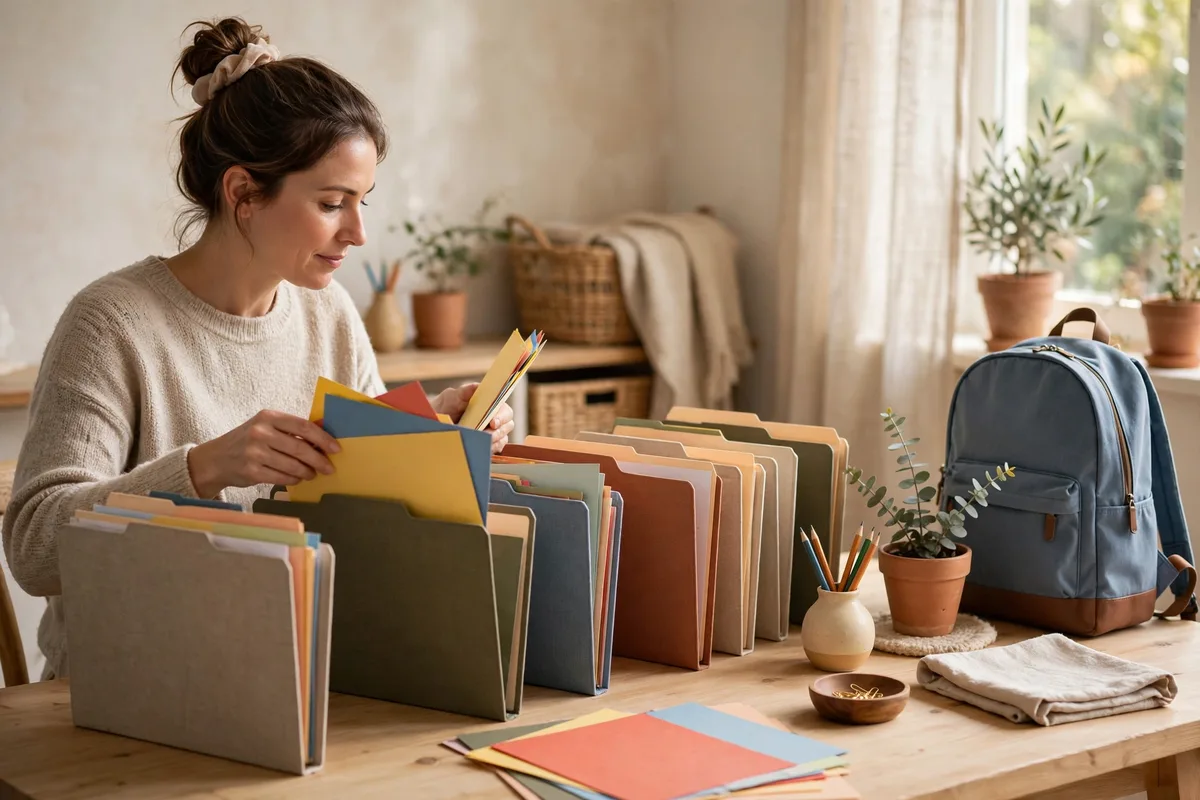
School paperwork gets out of hand the same way for every family: permission slips, lunch menus, spelling lists, field trip forms, and fundraisers all land in one pile, and something important goes missing. The fix is a simple system, not a bigger organizer: one inbox where every paper lands, five clear categories for sorting, and a five-minute daily reset so nothing expires in the backpack.
Step 1: Create one inbox
Pick one tray, basket, or wall pocket and place it near where backpacks get opened — the kitchen counter, entryway, or wherever your family command board lives. Every paper comes out of the backpack and into this inbox before dinner.
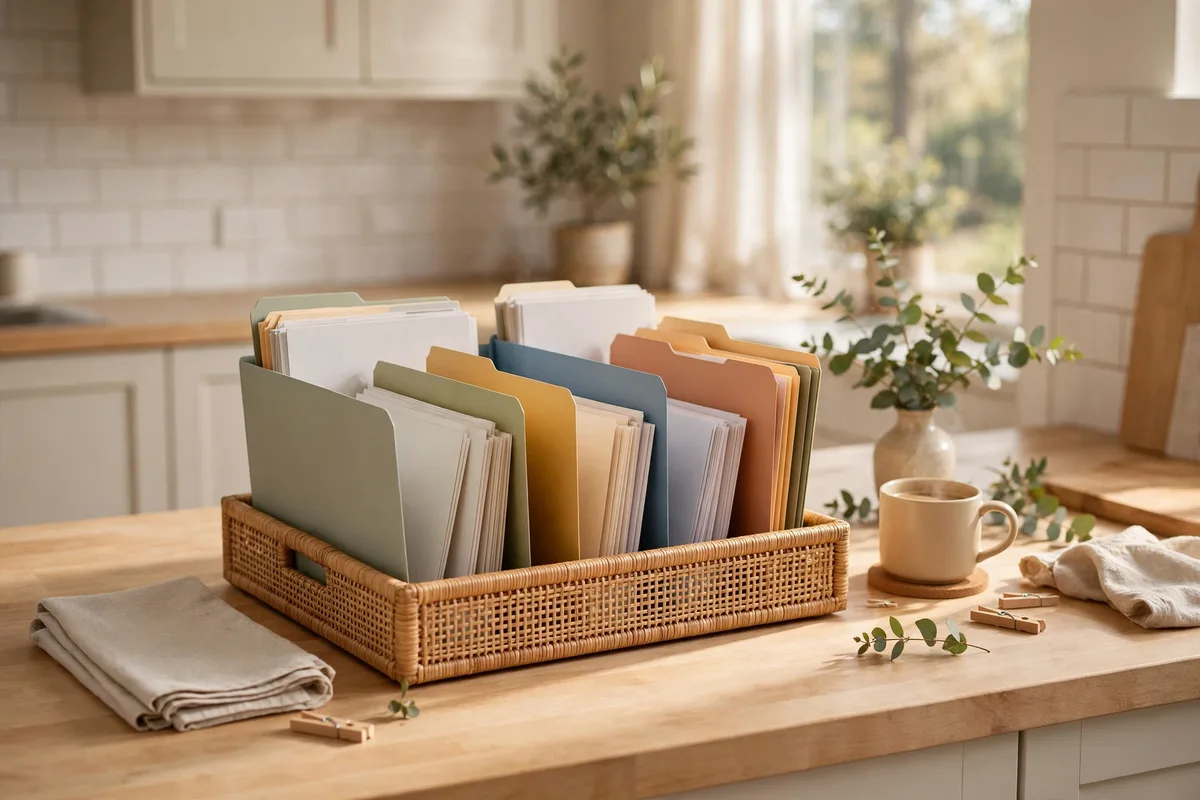
The only rule: the inbox is a landing zone, not a permanent home. Papers pause there for hours, not weeks. Do not buy matching organizers or color-coded files yet — one landing spot matters more than any product.
Step 2: Sort into five categories
Too many folders is the number-one reason paper systems fail. Five categories cover everything a school year produces:
- Return to school — signed forms, permission slips, money envelopes, and anything that must go back tomorrow.
- Needs action — papers requiring a decision, a payment, an appointment, or an online form.
- Calendar — event notices, picture day, early-release days, testing dates, and holiday schedules.
- Keep — report cards, health and accommodation records, teacher contact info, and documents you may need later.
- Recycle — papers already read that need no action: old menus, completed worksheets, duplicate flyers.
Label five folders or slots and file each paper as it arrives. A paper that needs your signature today and must go back tomorrow belongs in Return to School, not Needs Action — sort by what has to happen, not by topic.
Step 3: Run the daily five-minute reset
A system survives only if sorting takes less time than ignoring. Make this reset part of the after-school routine:
- Empty every backpack into the inbox. This is a great job for kids as they get older — it builds independent homework habits and stops crumpled papers from living at the bottom of the bag.
- Do the two-minute tasks immediately. Sign the form, fill in the field trip slip, write the check. Anything that takes longer goes into Needs Action with a calendar reminder set for the day before it is due.
- Put Return items straight into the backpack. A signed permission slip never goes back on the counter — it goes into the return pocket the moment it is completed, so the morning is never a scramble.
- Move dates to the family calendar. Testing days, picture day, and conference signups get added the day the notice arrives. The folder holds the paper; the calendar remembers the deadline.
- Recycle what is done. Papers already read and duplicate copies go straight into recycling. If the same schedule is on the school website, you do not need the paper version.
Step 4: Give each child their own color
With more than one child, the categories stay the same — the color shows whose paper it is. Assign each child one color and use it for their backpack folder, their home-organizer slots, and their calendar entries. A quick glance tells you which forms belong to which kid, and it is much easier to scan than building a separate system per child.
If your child has multiple teachers, add each teacher’s name to the Return and Needs Action folders. That small label saves real confusion when a form has to reach the right classroom.
Step 5: Photograph what you do not need to keep
You do not need an original copy of everything. Take a clear photo or scan of papers that carry useful information but no signature or official weight: lunch menus, login instructions, QR codes, event schedules, and contact sheets. Save each file with the child’s name, the topic, and the date so you can find it later.
Keep the original of anything the school requires in paper form, plus all medical forms, signed legal documents, special education records, and report cards you might need for programs or transfers.
Step 6: Decide what stays and what goes
Use this table whenever the Keep folder starts overflowing.
| Keep | Recycle or photograph |
|---|---|
| Report cards and transcripts | Graded worksheets and completed homework |
| Health records and immunization forms | Old lunch menus and event flyers |
| Accommodation and special education records | Duplicate copies of notices |
| Teacher contact lists (current year) | Study guides from finished units |
| Awards and certificates | Spelling and vocabulary lists |
| A few standout pieces of writing or art | Daily behavior charts once resolved |
Do a cleanup twice a year — midwinter and summer work well. Anything you cannot bring yourself to toss goes through the one-box rule below. If fitting paperwork around busy after-school schedules is the problem, pair the reset with a fixed time, like right after dinner, so it survives even the busiest weeks.
Step 7: Handle artwork and keepsakes
School art is the hardest paper to manage because it feels wrong to recycle. Set up one keepsake box or one large binder with sheet protectors per child. Choose a small display area — a fridge clip, a string with clothespins — and rotate the current favorites through it.
When the box is full, your child chooses what stays and what gets photographed and recycled. A fixed amount of space makes the decision manageable, honors the work, and keeps one year from becoming five boxes in the attic.
Frequently asked questions
Which school papers are actually worth keeping?
Keep report cards and transcripts, health and immunization records, special education or accommodation paperwork, and anything the school requires in original form. Almost everything else — graded worksheets, old flyers, menus, study guides — can be recycled once read.
How do I keep one child’s papers from mixing with a sibling’s?
Use one color per child across folders, backpack pockets, and calendar entries. The categories stay identical for every child, so the only thing you scan for is color.
How often should I purge the files?
Do a quick weekly review of the Needs Action and Return folders, and a deeper cleanup twice a year — midwinter and summer. Report cards and permanent records get filed for the long term; everything else earns its place or goes.
The bottom line
Organizing school paperwork comes down to three habits: one inbox where every paper lands, five categories that match what actually has to happen, and a five-minute reset that runs daily. Add one color per child, photograph what does not need an original, and cap keepsakes at one box per kid. The system is deliberately plain — plain is what survives September, and what still works in May.
If you are heading into a conference, this same filing system makes it easy to pull everything you need: see how to prepare for a parent-teacher meeting.
For another parent-tested take on this routine, see How to Organize School Papers and Permission Slips.

