
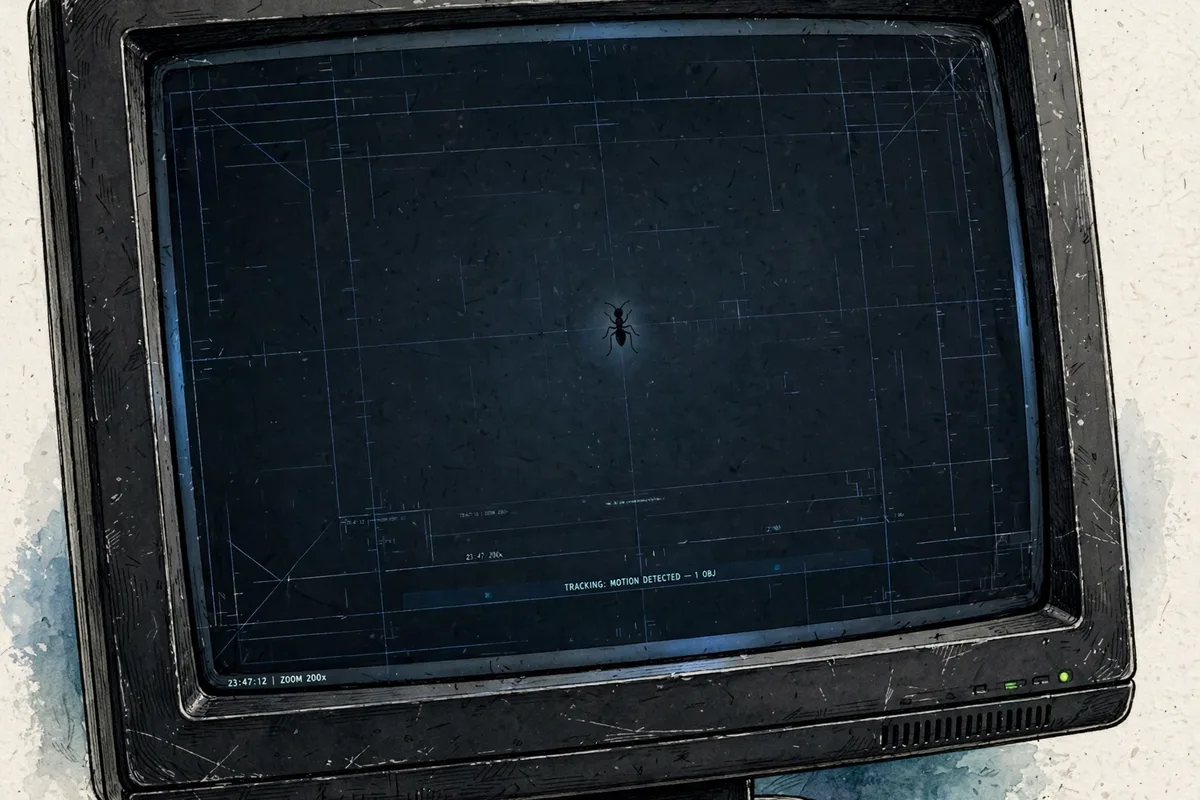
You glance at your screen and there it is: a tiny dark speck that moves. Or worse, one that doesn’t. A bug has gotten inside your monitor, trapped between the display layers, and now it’s crawling — or stuck — right in your field of view. It’s one of the most maddening tech annoyances there is, because the thing you most want to do (press on it) is the one thing you absolutely must not do.
This guide walks you through why bugs end up inside monitors, what not to do, and the safe steps for getting one out — from gentle DIY tricks to when it’s time to call a professional.
Why Bugs Get Inside Monitors
Monitors are irresistible to small insects for two reasons: light and warmth. Backlit LCD and LED screens glow brightly, especially in a dark room, and tiny insects like gnats, thrips, and fruit flies are drawn to light. Once they land on the screen, they explore the edges and vents, and some slip through tiny gaps between the bezel and the display panel or through ventilation slots meant to cool the electronics.
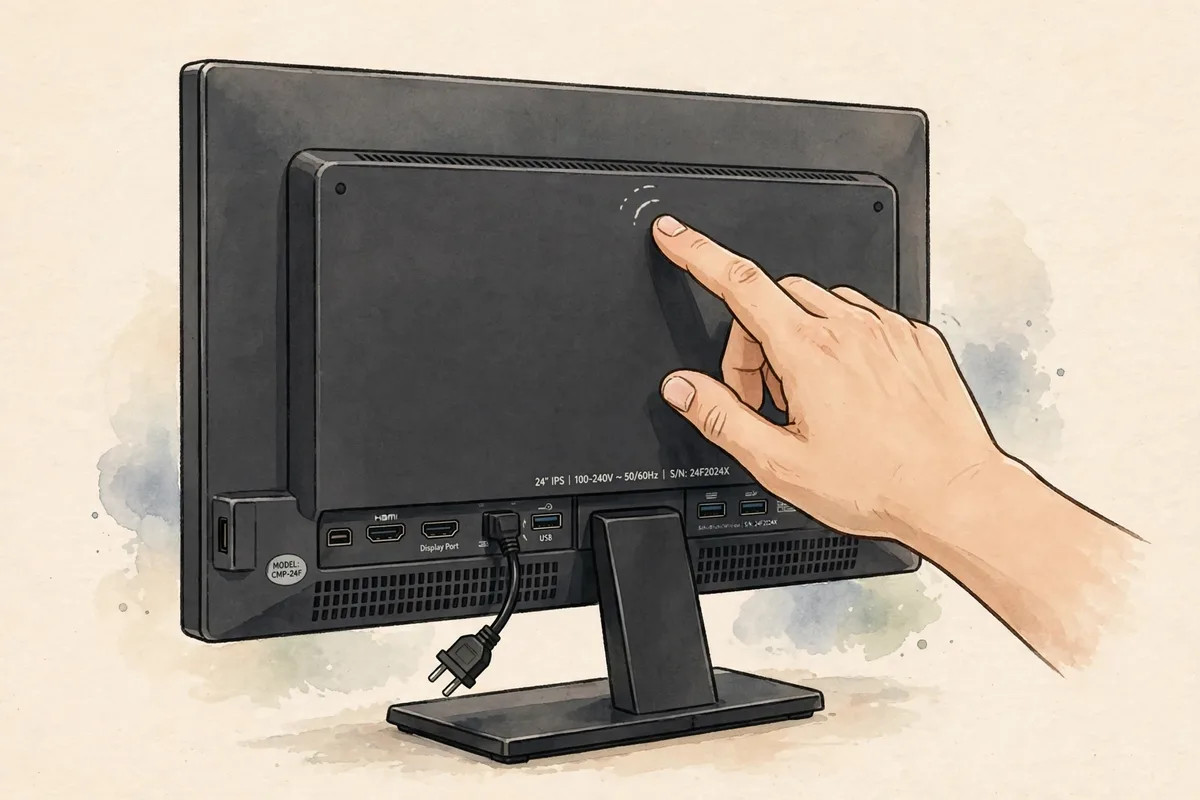
Common entry points include:
- Bezel gaps — the thin seam where the front frame meets the screen, especially on older monitors
- Vents — cooling slots along the top, back, or bottom edges
- Cable openings — gaps around HDMI, DisplayPort, and power connections
- Loose panels — monitors that have been dropped or opened before may have wider seams
Once inside, the insect ends up between the LCD glass and the backlight diffuser layer — a space so thin you can’t reach into it without disassembling the monitor. A live bug may wander around; a dead one dries out and stays exactly where it died, which is why the speck sometimes never moves.
What NOT to Do (Seriously)
Before the fixes, the warnings — because the wrong move here can turn a minor annoyance into a ruined monitor:
- Do not press, poke, or swat the screen. LCD panels are extremely delicate. Pressing on a bug can crush it into the layers, smearing it permanently, and the pressure itself can crack liquid crystals or create dead pixels around the spot.
- Do not spray liquids, cleaners, or insecticide at the screen edges. Liquids can seep between the layers and damage the display. Pesticides near a warm electronic device are a bad combination.
- Do not open the monitor housing unless you know exactly what you’re doing. Disassembly voids warranties, and LCD internals include fragile ribbon cables and high-voltage backlight components in older models. One wrong pull can destroy the panel.
- Don’t use sharp tools or try to slide anything between the layers from the outside — you’ll scratch or crack the panel.
Step 1: Confirm It’s Actually Inside the Screen
First, rule out the easy explanation. Power off the monitor and gently wipe the entire surface with a clean, dry microfiber cloth. Specks of dust, dried food particles, and smudges are mistaken for trapped bugs constantly. If the speck wipes away, you’re done.
If it doesn’t move — and especially if you can see it from an angle but it seems to sit behind the glass — it’s inside. Also check whether it casts a slight shadow or looks magnified; trapped insects often appear larger than they are because they sit between the backlight and the LCD layer.
Step 2: Power Off and Let It Cool Down
Bugs are attracted to the light and warmth of an active screen. Turn the monitor completely off and leave it off for a few hours — overnight is ideal. As the backlight cools and the glow disappears, a live insect often loses interest and wanders back toward the gap it entered through. Many people report the bug simply being gone the next morning.
This is the safest possible “fix,” so always try it first. It costs nothing and risks nothing.
Step 3: Gently Tap and Tilt
If the bug is still there after the cool-down, try gentle vibration with the monitor powered off:
- Tilt the monitor at an angle — sometimes turning it on its side helps.
- Lightly tap the back of the monitor or its base with your fingertips. Think gentle rapping, not pounding.
- The vibration can encourage a live bug to move toward an edge, or jostle a dried bug so it drops below the visible area behind the bezel rim.
Some users have had luck placing small plastic suction cups on the screen and gently pulling outward — the slight flex can let a dried insect drop down behind the bottom bezel where it’s hidden. Use minimal force: the goal is to shift the bug out of sight, not to bend the panel.
Step 4: Try Compressed Air at the Edges
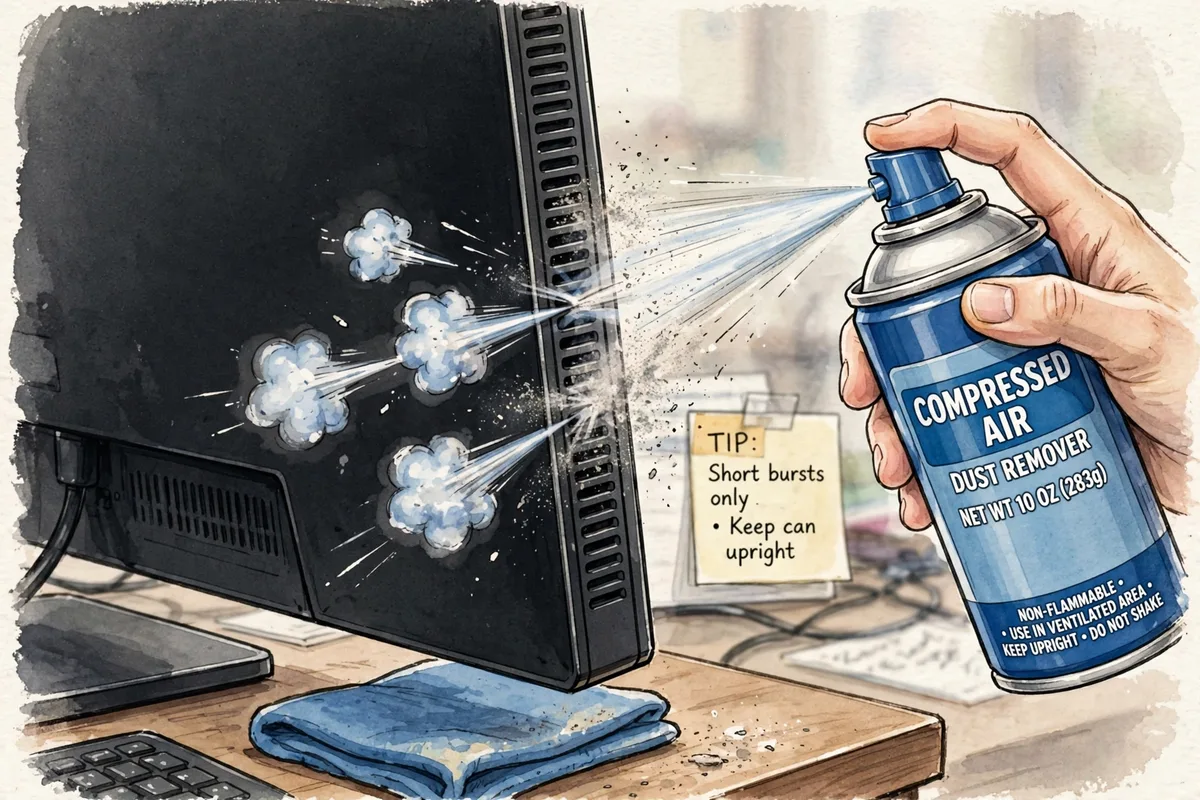
A can of compressed air can encourage the bug toward an exit. Hold the nozzle a few inches from the monitor’s edges, vents, or cable openings — never jam it against a seam — and give a few short bursts. The airflow may dislodge a live insect and guide it back out through the gap it used.
Keep the can upright to avoid spraying propellant liquid, and don’t overdo the pressure. Short, gentle bursts are all you need.
Step 5: Wait It Out
Sometimes the best fix is patience. A dead insect will gradually dry out and may dislodge on its own over days or weeks, dropping behind the bezel. If the bug is small and near an edge, you may simply stop noticing it — many trapped insects effectively disappear from view as they desiccate and fall out of the backlight’s focal plane.
This sounds like giving up, but for a speck that isn’t obstructing your work, it’s genuinely the lowest-risk option. Monitors are opened for other maintenance eventually, and the bug can be cleaned out then.
Step 6: Call a Professional
If the bug is dead-center on the screen, large, and driving you crazy, a repair technician can disassemble the monitor and clean between the LCD glass and the backlight — typically using compressed air and a damp cotton swab on the diffuser, without touching the LCD surface itself. This is precision work involving fragile ribbon cables and precisely aligned layers.
Go this route especially if:
- The monitor is still under warranty (check first — some warranties cover this; unauthorized opening voids it)
- The monitor is expensive or high-end, where DIY disassembly risk isn’t worth it
- You tried the gentle methods and nothing worked
A technician’s cleaning usually takes under an hour and costs far less than a replacement panel.
Preventing Bugs From Getting In Again
Once you’ve dealt with one intruder, a few habits reduce the odds of a repeat:
- Reduce the light attraction. If you work in a dark room, add a small lamp or LED strip behind the monitor. Insects will head for the brighter ambient light instead of the screen.
- Keep windows and doors screened. Most invaders come from outside, especially in warm months.
- Seal the room’s obvious entries. Even a door left ajar at night invites gnats straight to your glowing screen.
- Clean around your desk. Fruit flies and food gnats breed in crumbs, trash, and dirty dishes — remove the food source and you remove the bugs.
- Consider a monitor with a tighter bezel. Newer monitors with edge-to-edge glass designs have fewer seams for insects to exploit.
Frequently Asked Questions
Will the bug damage my monitor?
The bug itself won’t harm the electronics — it’s trapped in the optical layers, not on the circuit boards. The real damage risk comes from pressing on it or attempting a careless disassembly.
Can a stuck pixel be mistaken for a bug?
Yes. Run a dead-pixel test (sites that cycle solid colors full-screen make defects obvious). A stuck pixel stays perfectly still and is usually a single colored dot; a bug often has an irregular shape and may move.
Is it safe to open my monitor to remove a bug?
Only if you’re experienced with electronics repair. Modern monitors snap together with hidden clips and delicate flex cables; cracking the panel during reassembly is a common DIY outcome. When in doubt, pay a technician.
How long does a dead bug take to dry out?
Typically one to three weeks, depending on size and humidity. Once fully desiccated, dried insects often drop away from the backlight layer on their own.
Does turning the monitor off really make the bug leave?
For live insects, often yes. They came for the light and warmth; remove both for several hours and many will wander back out the way they came.
For more screen and streaming fixes, see Hulu switching profiles error fix and how to turn on fog lights.