Your vet asks for the date of your dog’s last rabies shot. The groomer needs proof of vaccinations. The pet sitter texts, “What’s the name of that ear medication?” And you… start scrolling through two years of camera-roll photos and email attachments.
Pet records tend to live everywhere: the vet’s portal, a paper folder from three years ago, a photo of a vaccine certificate, your memory. That scattered system works fine until it doesn’t — and when it fails, it usually fails at the worst moment: an emergency clinic at 11 p.m., a new vet after a move, a weekend trip. This guide builds you a single, simple records system in about an hour. After that, keeping it current takes two minutes after each vet visit.
Why Organized Records Matter More Than You Think
Your vet keeps files, but your vet isn’t always reachable. Here’s when your own copy saves the day:
- Emergencies. An after-hours clinic needs your pet’s current medications and allergies before treatment. A one-page summary beats a frantic search.
- Boarding, grooming, and daycare. Most facilities in the US require proof of current rabies and other vaccinations. No paperwork, no booking.
- Travel. Airlines, cross-state moves, and international trips each have their own documentation rules. Having originals scanned means you can pull them up at the counter.
- Continuity of care. Switching vets, seeing a specialist, or getting a second opinion is far smoother when you can hand over a clean history.
- Proof of ownership. Adoption paperwork, microchip registration, and licensing documents settle disputes fast if your pet ever goes missing.
You don’t need fancy software. You need one place, a simple structure, and a habit.
Step 1: Round Up Everything From Everywhere
Before you organize, gather. Give yourself one sweep through every spot records hide:
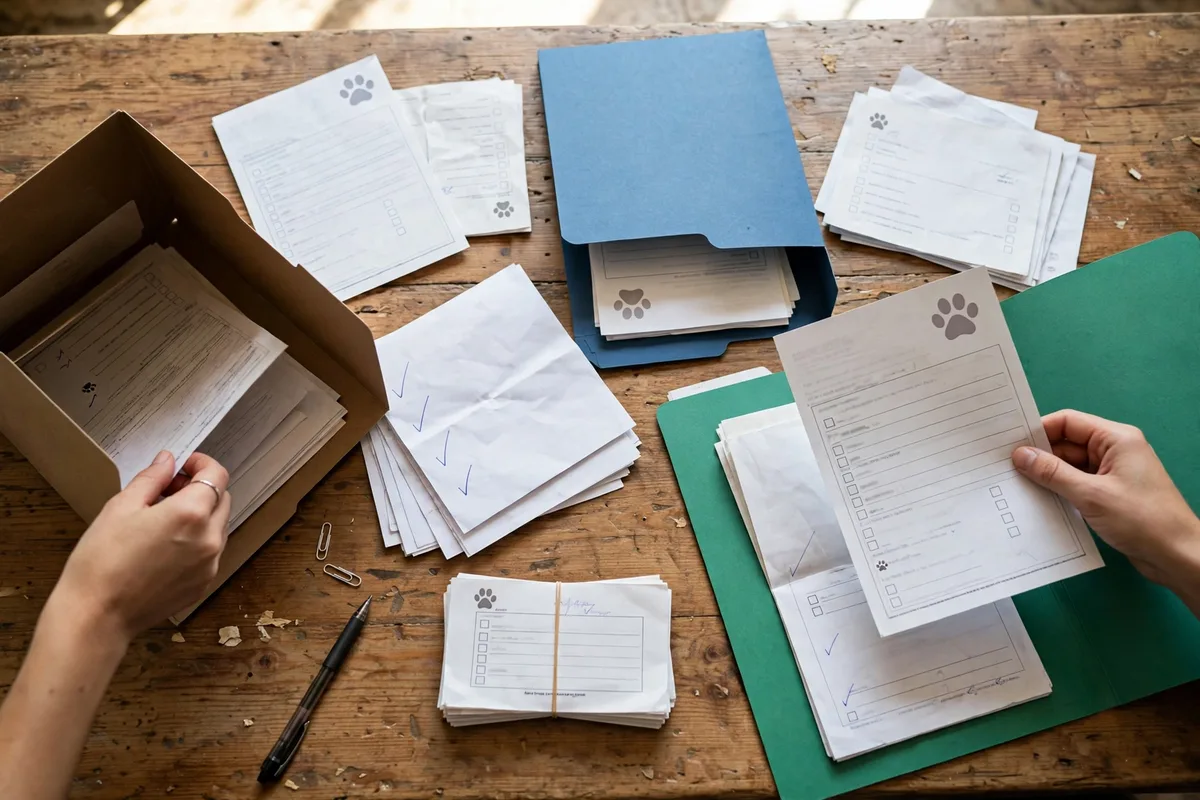
- Vet clinics and portals. Log into every online portal your current and past vets offer. Download or screenshot visit summaries, vaccine certificates, and lab results.
- Email. Search for “vet,” “vaccine,” “invoice,” and your pet’s name. Save every attachment.
- Paper files. Dig out the folder from the adoption agency, the vaccine card from the breeder, old receipts.
- Your phone. Scroll your camera roll for photos of documents — vaccine tags, prescription labels, x-ray printouts.
- Other keepers. The microchip registration, city license, pet insurance policy, and any behavior or training records.
Dump it all in one temporary spot — a single folder on your computer or one physical pile. Don’t sort yet. If a clinic you used years ago has records you never collected, call and ask for copies; most clinics will provide them, sometimes for a small fee.
Step 2: Pick One System You’ll Actually Maintain
There are two main approaches, and the best one is the one you’ll keep using:
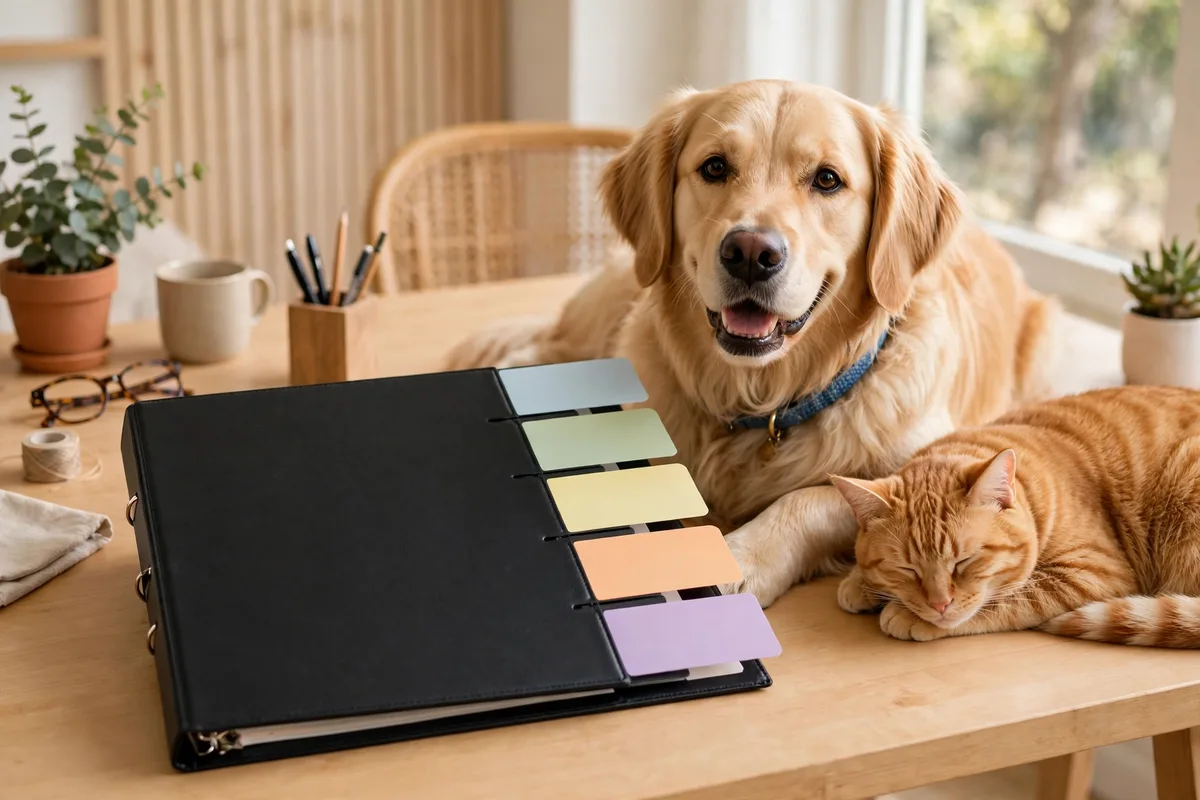
- Physical binder. One binder per pet, with tabbed dividers. Cheap, grab-and-go, and nothing to charge. Great if you like paper.
- Digital folder. One folder per pet in your phone or cloud storage, with subfolders by category. Searchable, shareable, and always with you.
Our recommendation: do both, with digital as the backup. Keep the binder for originals and quick grabs, and photograph or scan every new document into your digital folder the same week. If you must pick one, pick digital — it’s the copy that survives a flooded closet and travels with you.
Naming matters for digital files. Use a consistent pattern like 2026-10-19_Bella_Vaccine_Rabies.pdf — date first, so files sort themselves chronologically.
Step 3: Sort by Pet, Then by Record Type
Create the same set of sections for each pet:
- Identification. Adoption or purchase paperwork, microchip number and registration, license, recent photos of your pet.
- Vaccinations. Certificates and dates given, with next-due dates highlighted.
- Vet visits. Visit summaries and notes, newest on top. Include the reason for the visit in your own words if the notes don’t say it plainly.
- Lab and test results. Blood work, x-rays, allergy tests — anything with numbers attached.
- Medications. Current medications with exact label details, plus a history of past ones and why they stopped.
- Insurance and receipts. Policy documents and major receipts, filed by year.
In a binder, these are tabbed dividers. In a digital folder, they’re subfolders. The parallel structure means you always know where to look, even bleary-eyed at midnight. A similar one-place habit works for family paperwork too — our guide to organizing school paperwork uses the same sort-first, maintain-later approach.
Step 4: Write a One-Page Pet Health Summary
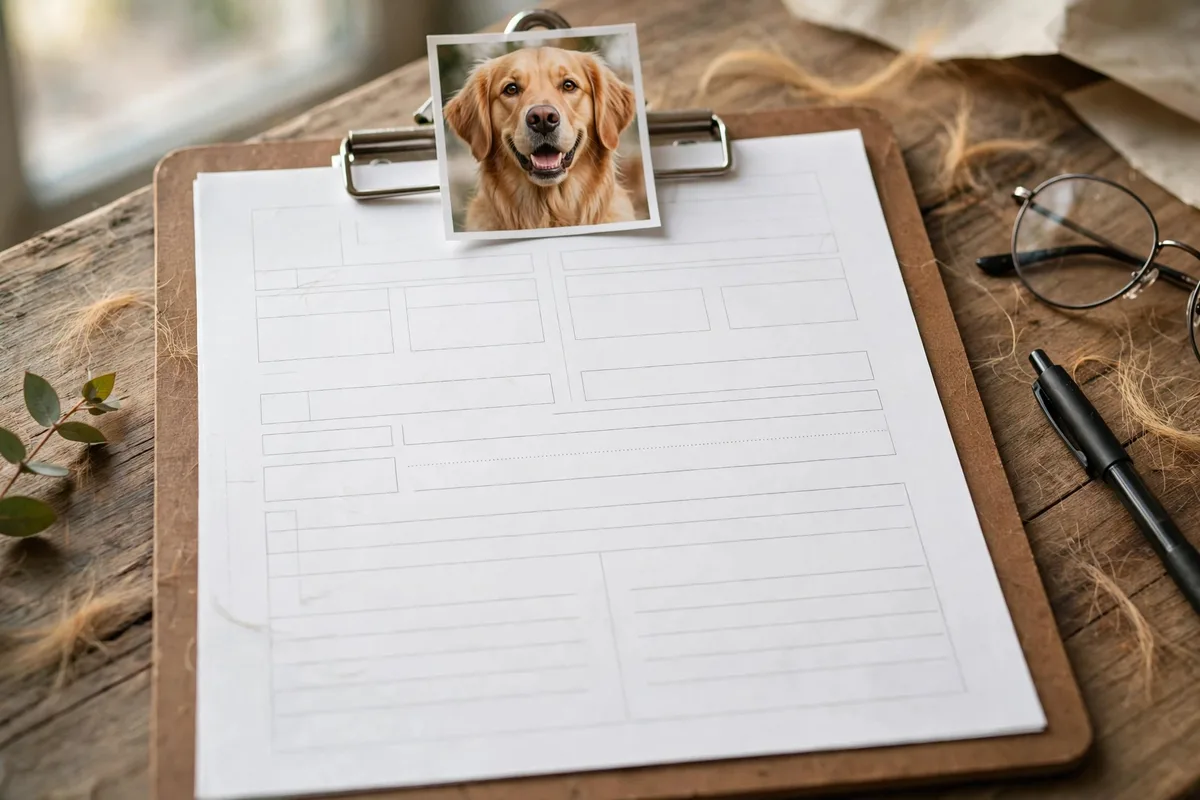
This single page is the most useful thing in your whole system. Put it at the very front of each pet’s binder and save a copy on your phone. Include:
- Pet’s name, species, breed, age, weight, and color/markings
- Microchip number
- Your vet’s name, clinic, and phone number (plus the nearest emergency clinic)
- Current conditions or diagnoses
- Current medications with doses, copied from the label — never from memory
- Known allergies or reactions
- Vaccination status at a glance: what’s current, what’s due and when
- Your contact information
Update this page whenever anything changes. It doubles as the handout you give a new vet, and it’s the core of a solid pet emergency contact sheet — if you’ve already made one, the summary slots right in.
Step 5: Log the Small Stuff That Slips Away
Records aren’t only documents. A running log of the little things turns “I think she was acting off last month” into useful information for your vet:
- Weight. Weigh your pet on the same scale on the same day each month. Small changes are easy to miss without numbers.
- Medications. Start and end dates for every course of meds, plus any reactions you noticed.
- Symptoms and incidents. Date, what you observed, what you did. “Oct 12 — limping after the dog park; rested two days, improved.”
- Reminders. Vaccine due dates, flea/tick prevention, annual exam month — in your phone calendar with alerts.
Keep the log simple — a notes app, a spreadsheet, or a notebook page in the binder. The format doesn’t matter; the habit does.
Step 6: Make Updates a Two-Minute Habit
A records system dies the moment updating it feels like a project. Build it into routines that already exist:
- After every vet visit: before the paperwork leaves your hand, file or photograph it. Two minutes, done.
- After every vaccine or medication change: update the one-page summary the same day.
- Monthly: check the log — weight recorded, reminders still current.
- Quarterly: five minutes to toss duplicates and outdated pages, and confirm digital backups are syncing.
Pair it with something you already do. File the paperwork while you’re waiting for the prescription pickup, or photograph it in the parking lot. Tying the habit to the visit means you never have to “remember to file.”
Step 7: Keep Records Reachable and Shareable
Organized but inaccessible is the same as lost. Finish with these access steps:
- Phone copy. Keep the one-page summary and vaccine certificates in a favorites folder on your phone — these are the documents you’ll need on the go.
- Household access. Make sure everyone who cares for your pet — partner, roommate, kids old enough — knows where the binder lives.
- Sitter handoff. When you travel, share the summary and vet contact with your sitter. Our pet sitter guide walks through building a complete handoff, and your organized records make it a five-minute job.
- Backup. Confirm your cloud folder actually syncs, or that your phone photos land somewhere safe. One flooded closet shouldn’t erase everything.
Variations for Different Households
Multiple pets
Keep one binder or folder per pet — never mix them — using the same section structure for each. A master index page listing each pet’s vet, current meds, and next due dates gives you the whole household at a glance.
Paper-only households
Your phone camera is enough: photograph each document in good light and name the file with the date-pet-type pattern. Check the text is readable before filing the original.
Frequent travelers and renters
Go digital-first. A cloud folder shared with your partner survives moves, and you can pull up vaccine proof at a boarding facility or airline counter without digging through boxes.
Troubleshooting Common Records Headaches
| Problem | Fix |
|---|---|
| Lost a vaccine certificate | Call the clinic that gave it — they keep records and can reissue a copy. |
| Records spread across three vets | Request copies from each, then merge into your one system; note which clinic did what. |
| Can’t remember when a vaccine is due | Ask your vet for the full vaccine history and due dates in writing, then calendar every date. |
| Outdated emergency contact on file | Update your vet, microchip registry, and one-page summary in the same sitting. |
| Phone full of pet document photos | Move them into the digital folder system once, then delete the camera-roll copies. |
| Adopted a pet with no history | Start fresh: record everything from your first vet visit onward and note the gap. |
Frequently Asked Questions
Why should I keep records if my vet already has them?
Your vet’s records serve your vet’s clinic. Your records serve you — at the emergency hospital across town, at the groomer, on a road trip, and with a new vet who has never met your pet. Think of it as your copy of a shared history, kept where you can always reach it.
What records do boarding facilities and groomers actually ask for?
Most ask for proof of current rabies vaccination, and many also require distemper/parvo (dogs) or FVRCP (cats) plus bordetria for dogs. Requirements vary by state and facility, so keep the full vaccine list handy and confirm with the facility before booking.
How long should I keep pet records?
Keep lifetime records for the core file: vaccinations, major diagnoses, surgeries, and allergies. Routine receipts and old invoices can be purged yearly.
Digital or paper — which is really better?
Whichever you’ll maintain. Digital wins on searchability, sharing, and disaster-proofing; paper wins on simplicity. The hybrid — binder for originals, phone photos for everything — covers both weaknesses.
An Hour Today Saves a Panic Later
You don’t need to build the perfect system in one sitting. Gather everything into one pile today, set up one folder or binder per pet tomorrow, and write the one-page summary this week. From there, it’s two minutes after each visit. The next time someone asks for your pet’s records, you’ll have the answer before they finish the question.