
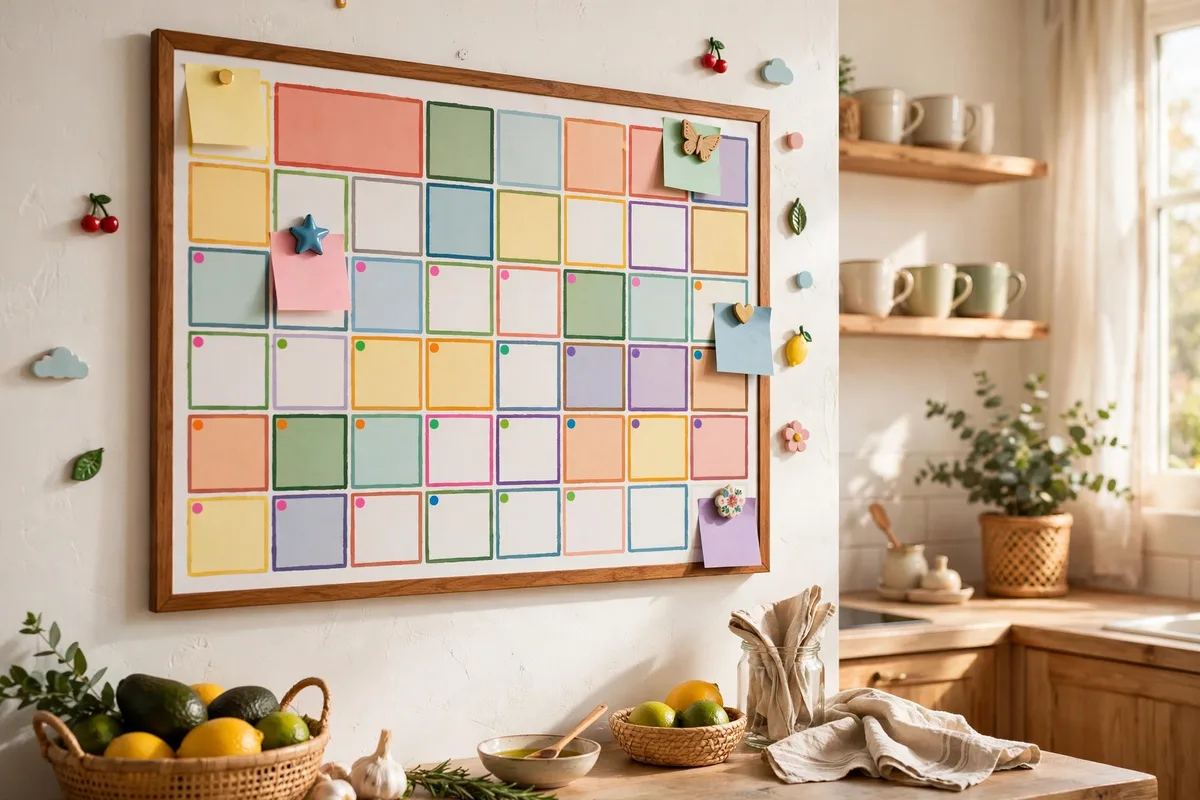
Somewhere between school pickups, dentist appointments, soccer practice, and the dentist appointment you forgot you already scheduled, family life gets chaotic. A well-managed family calendar doesn’t just prevent double-bookings — it reduces the mental load of being the one person who has to remember everything.
Here’s a step-by-step system that works whether you prefer paper, digital, or a mix of both.
Step 1: Pick a System That Fits Your Family
There’s no single right tool, but there is a wrong approach: keeping everyone’s plans in different places. Before you commit, decide which format suits how your family actually lives.

- Digital (Google Calendar, Apple Calendar): Best for families with teens and two busy parents. Events update in real time, reminders are automatic, and everyone can add events from their phones.
- Paper wall calendar: Best for younger kids who need to see the week at a glance. Kids can check it themselves, which builds independence.
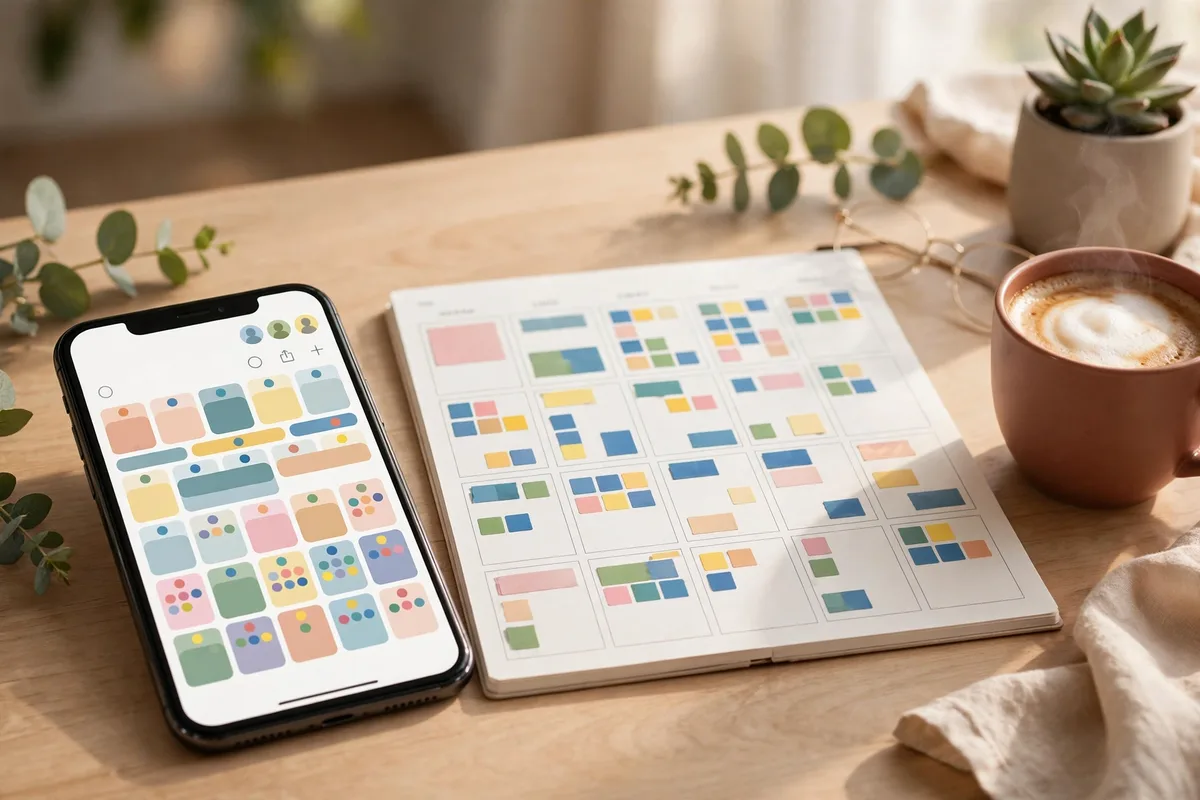
- Hybrid: Digital as the source of truth for parents, plus a wall calendar in the kitchen showing the week ahead for the kids. This is the most common setup that actually sticks.
Don’t adopt a system nobody will use. If your partner won’t open an app, a wall calendar beats a perfect app nobody checks.
Step 2: Create One Shared Calendar Everyone Can See
One shared family calendar is the heart of the system. Individual work or personal calendars can still exist, but anything that affects the family — appointments, activities, school events, travel — goes on the shared one.
If you’re going digital, create a dedicated calendar (not just your personal one) and share it with each family member so they can add and edit events. On a paper calendar, use a large grid calendar mounted somewhere central — the kitchen or near the backpack drop zone — where everyone passes daily.
The rule is simple: if it’s not on the calendar, it doesn’t exist. That only works if adding events is easy enough that everyone actually does it.
Step 3: Set Up Naming Conventions and Color Coding
A calendar full of cryptic entries helps no one. Agree on simple conventions as a family:
- Name events clearly: “Lena – Soccer Practice” beats “soccer.” Include whose event it is, not just what it is.
- Color code by person or category: Give each family member their own color, or color by type — green for school, blue for sports, purple for family time. Either works; pick one and stay consistent.
- Put the details in the event: Address, what to bring, a contact number, pickup instructions. The event should answer questions, not create them.
This takes five minutes to set up and saves countless “wait, where are we going?” texts.
Step 4: Add Recurring Events Once
Recurring activities are the backbone of a family calendar. Add them once with repeats and you’ll never re-enter soccer practice forty times.
Walk through a typical week and add everything regular: school hours, sports practices, music lessons, work commitments, recurring chores. Use recurring events rather than one-off entries for anything weekly. Then layer in one-time events — appointments, parties, deadlines — as they come up.
While you’re mapping the week, look for the pattern: this is also the moment to spot the gaps, which our guide to handling busy after-school schedules can help you turn into something more manageable.
Step 5: Protect Family Time Like an Appointment
Families are great at scheduling everything except time together. Block out protected family time — dinners, game nights, weekend outings — and treat those blocks like any other commitment. If someone tries to schedule over them, it takes a family conversation, not a unilateral edit.
This sounds formal, but it works precisely because it makes family time visible. What gets scheduled gets protected.
Step 6: Hold a Weekly Calendar Meeting
Every week, spend five to ten minutes as a family reviewing what’s coming up. Sunday evening works well. Walk through the week ahead together:
- What’s new since last week?
- Any conflicts or overlaps?
- Who’s driving whom where?
- Anything to prepare for (forms, gear, meals)?
This is the single highest-impact habit in the whole system. It catches problems while there’s still time to fix them, and it distributes the mental load — scheduling stops being one parent’s invisible job. Keep it short and routine; a five-minute Sunday check-in beats a thirty-minute monthly planning session.
Step 7: Set Smart Reminders
Reminders are only useful if they’re tuned to the event. A reminder the night before for a birthday party, an hour before for a doctor’s appointment, and two days before for something requiring preparation — that works. Fifteen alerts for every minor item trains everyone to ignore them.
For kids, tie reminders to routines: “check tomorrow’s calendar” during the evening wind-down or breakfast. For tips on building that morning check-in, see our guide to creating a family morning routine.
Step 8: Keep It Current and Prune Regularly
A calendar that accumulates stale events becomes untrustworthy, and then nobody uses it. When plans change, update the entry immediately — don’t leave canceled events sitting there. Once a month, glance back and make sure recurring events still reflect reality (did the practice time change? is the season over?).
If you keep finding that things fall through the cracks even with a calendar, the issue is often the surrounding system. A physical family command board — calendar, hooks, inboxes — gives schedules, papers, and gear one home instead of three.
Common Mistakes to Avoid
| Mistake | What happens | Fix |
|---|---|---|
| Keeping it in your head | Double-bookings, forgotten events | Everything goes on the calendar, no exceptions |
| Two competing systems | Events exist in one but not the other | Pick a source of truth; sync or display the other |
| Cryptic entries | Nobody knows what “appt??” means | Naming conventions from Step 3 |
| Over-alerting | Everyone ignores reminders | Tailor alert timing to each event |
| One person does it all | Resentment and burnout | Weekly meeting + shared editing access |
Frequently Asked Questions
How do I get my family to actually use the calendar?
Lower the friction. Make adding an event take seconds — shared app access, or a marker on the wall calendar. Then make the payoff visible: fewer missed practices and no more “I didn’t know!” arguments. Kids cooperate more when they see the calendar benefits them directly.
Should young children manage the calendar too?
They don’t need edit access, but they benefit from seeing it. A wall calendar with stickers for their events teaches them to look ahead and take ownership of their own commitments as they grow.
Digital or paper — which is really better?
Whichever your family will maintain. Digital wins on reminders, real-time updates, and sharing; paper wins on visibility and simplicity for young kids. Most families land on a hybrid, and that’s fine — just designate one as the source of truth.
Conclusion
A family calendar is a communication system, not a spreadsheet. Pick a format your family will actually use, create one shared view, name and color-code clearly, protect family time, and review the week together for five minutes every Sunday. Do that consistently, and the calendar quietly becomes the most calming tool in your household.